Online booking
Let clients choose a service and request an available time through your booking page.
Explore bookingOnline booking, client history, appointment reminders, and thoughtful follow-up—together in one workspace.
From the first booking to the next visit, keep the details connected.
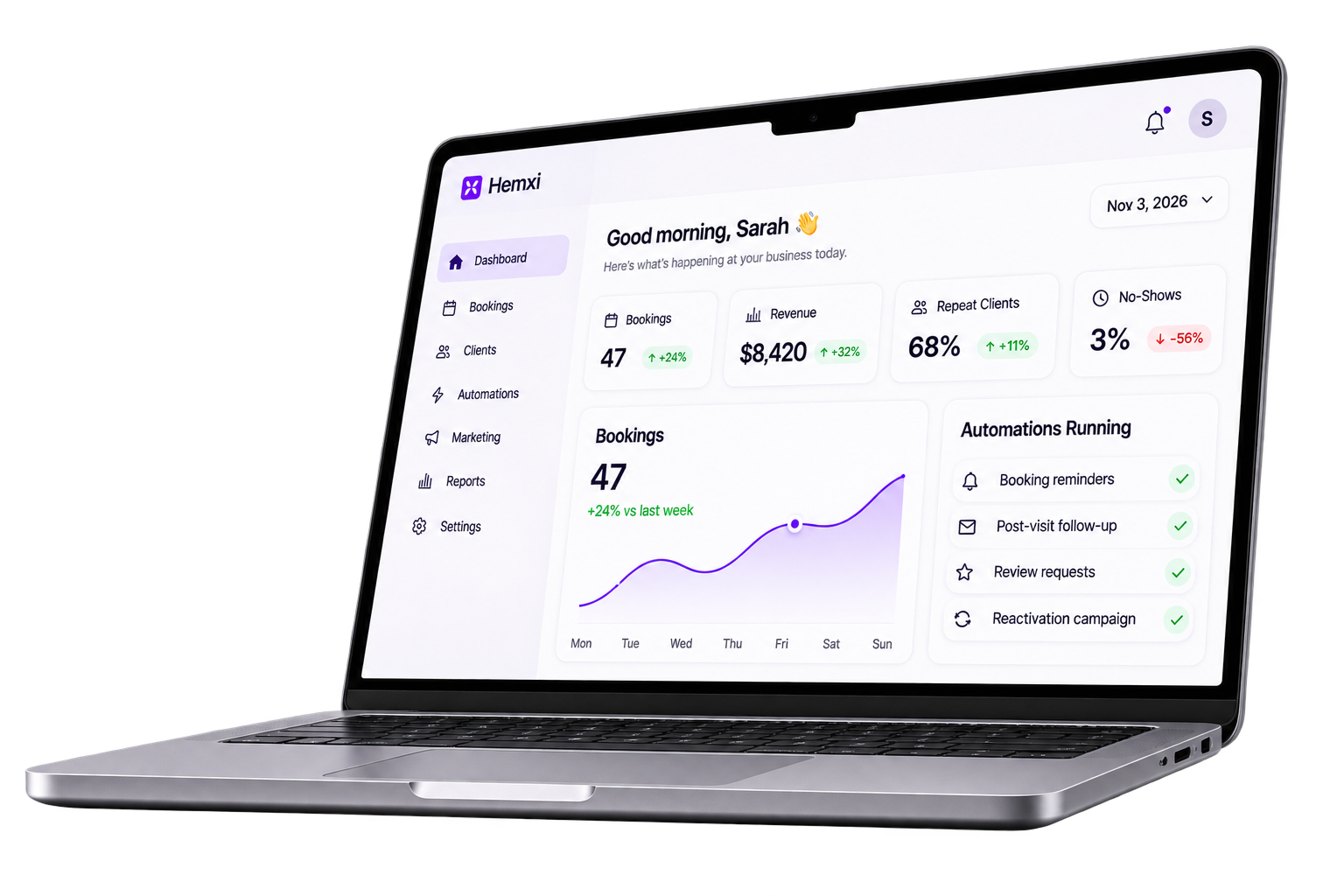
When bookings, reminders, and client history live in separate places, routine work becomes harder to track. Hemxi brings the appointment and its client context into the same workspace.
Explore common workflowsStart with the work your business needs to manage every day.
Let clients choose a service and request an available time through your booking page.
Explore bookingKeep contact details, appointment history, and service preferences together.
Explore client recordsConfigure reminders around appointment events and review message delivery.
Explore automationsGive your team a clear view of the appointment before, during, and after the visit.
Explore appointment workflowsClients choose a service and request an available time.
Your team reviews the appointment and client details in one place.
Reminders and post-visit messages follow the timing you configure.
Message delivery requires a configured sender and workflow.
Set up one service and test the booking journey before sharing your page.
Read the setup guideEnter the services you offer, their duration, and their price.
Add staff and working hours, then review the times clients can request.
Complete a test booking and check the details before sharing your page.
See the tour, connection requirements, and plan details before creating a workspace.
Hemxi is a workspace for appointment-based businesses. It brings online bookings, a client directory, appointment tracking, and configurable follow-up together, so everyday administration is easier to keep on top of.
Clients can use your public booking page to choose a service and available appointment time without creating a Hemxi workspace account.
Yes. Business email connects through Resend, and WhatsApp connects through Meta’s WhatsApp Cloud API. WhatsApp needs a connected account, a supported approved template, and customer permission. The integration guide explains the setup.
Add your business details, services, and staff availability. Then make a test booking through your public page. Once that works, configure one reminder and check its delivery before expanding your workflows.
Explore the product tour, then create a workspace when you are ready.